[Important Security Notice] Fake Qfinder Pro Websites Detected. Learn more >

Taveras Solutions

Owning the Stack: How Tech Creator Erik Taveras Turned a Six-Node Homelab into One System with QNAP NAS.
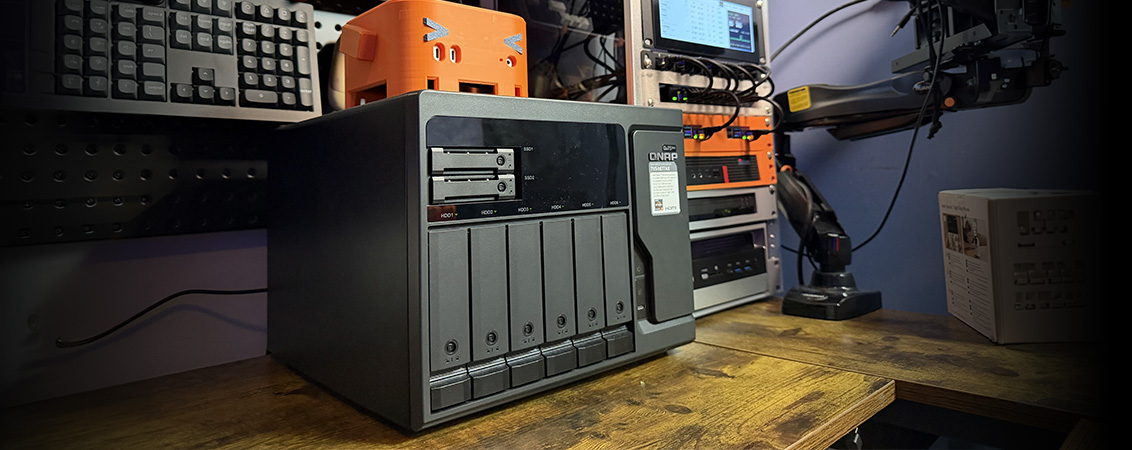
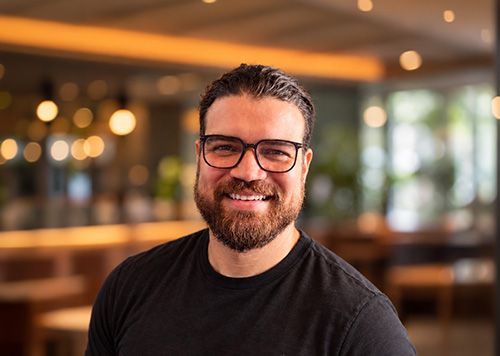
The QNAP turned my homelab from a collection of machines into a system. One pool, snapshots every night, and every service pointing at the same place. I finally stopped asking myself where my data lives.

- Erik Taveras, Founder & Lead Software Engineer of Taveras Solutions, LLC

Background

Founded six years ago, Taveras Solutions, LLC is the US-based, one-person business of backend and automation engineer Erik Taveras, who builds automations and AI agents for small and mid-size businesses. As @eriktaveras, he is also a Spanish-language tech creator teaching audiences across Latin America how to self-host their own tools: homelabs, local AI, n8n workflows and private infrastructure. Everything he shows on camera runs in his own homelab first, proving that a small business, or one person, can own its data without depending on a dozen subscriptions.

The customer uses these solutions

  • Snapshots

    Regularly create snapshots to lower the risk of data loss. Affected files, or the entire system, can be reverted to the previous state that the snapshot has recorded.

  • Backup, Restoration & Sync for NAS

    Use Hybrid Backup Sync to double up your protection by quickly backing up your NAS to remote and cloud storage spaces – ideal for building a complete 3-2-1 backup and recovery plan.

  • Snapshots

    Regularly create snapshots to lower the risk of data loss. Affected files, or the entire system, can be reverted to the previous state that the snapshot has recorded.

  • Backup, Restoration & Sync for NAS

    Use Hybrid Backup Sync to double up your protection by quickly backing up your NAS to remote and cloud storage spaces – ideal for building a complete 3-2-1 backup and recovery plan.

Challenges

Erik’s homelab had grown to six nodes running around 130 containers, but his storage, a two-bay home NAS and a pile of external drives, had not grown with it. Two bays offered little redundancy or headroom, and the CPU struggled with anything beyond serving files. Server backups, family photos, client files and years of video footage ended up scattered across disks, phones and laptops. Extra USB drives, cloud folders and manual copies never gave him one place he trusted, and for a one-person operation, every hour spent hunting for files was an hour lost for clients and content.

Solution

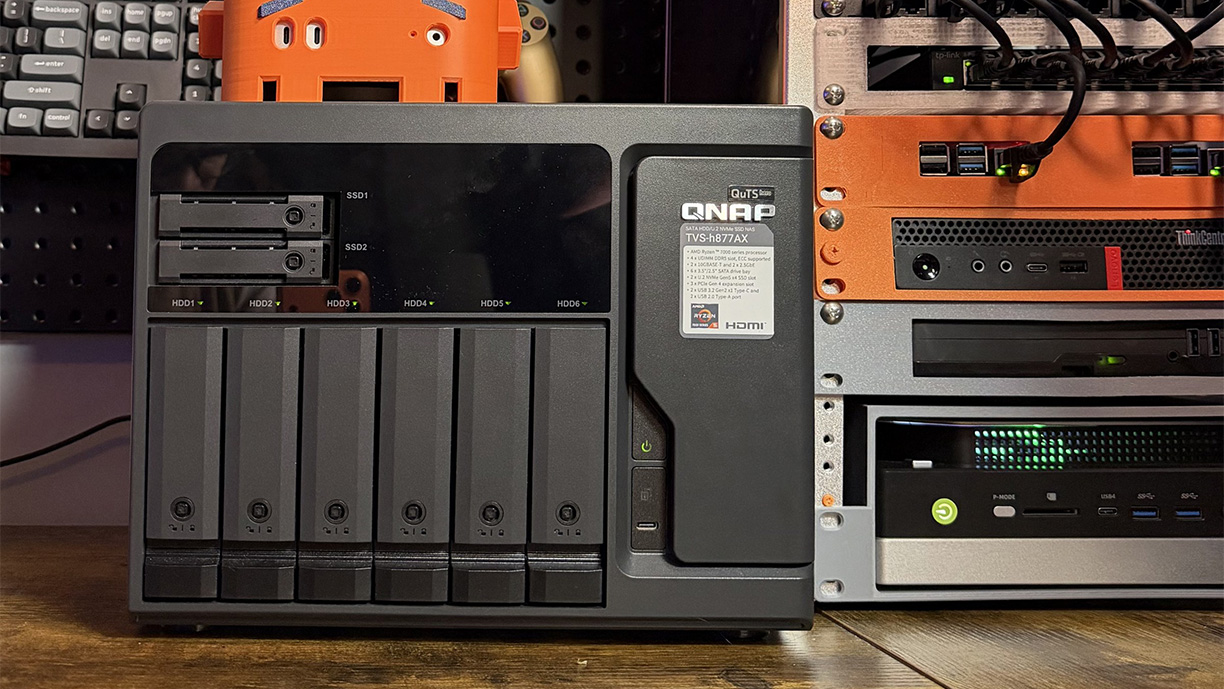
Erik chose a QNAP TVS-h877AX as the foundation of his entire homelab, configuring the pool, shares and snapshot schedules himself in a single afternoon.

  • Central Storage: One TVS-h877AX (AMD Ryzen 5 PRO 7645, 16 GB DDR5) running QuTS hero, powerful enough to serve NFS, SMB, Time Machine, Container Station and a lab VM at the same time.
  • Storage Configuration: Six 12 TB WD Red Pro drives (72 TB raw) in a single ZFS RAIDZ2 pool, with two drives’ worth of parity protecting against the failure of any two drives.
  • Network Infrastructure: The NAS sits in his home rack on wired Ethernet behind a UPS, next to the mini PCs and Raspberry Pis that run his containers and store their data on the NAS over NFS and SMB. Remote access runs through a private mesh VPN, so nothing on the NAS is exposed to the internet.
  • Data Protection: Each share is its own dataset with its own rules, and every important share takes a snapshot at 2 AM with 30 days of history.
  • Room to Expand: Two U.2 NVMe bays are reserved for a future SSD cache, and the memory can scale up to 192 GB.
Result

The TVS-h877AX became the single source of truth for Erik’s homelab and business.

  • One Trusted Location: Container data, the family photo library, server backups, Mac backups, client folders and his content archive now live in one ZFS pool. Files sent from his phone are replicated to RAIDZ2 storage within minutes.
  • Worry-Free Experimentation: When testing a new service breaks something, Erik rolls back the share with a snapshot instead of restoring from backup, turning risky experiments into routine for a creator who tests new tools every week.
  • Automated Backups: Macs back up on their own with Time Machine over SMB, with no manual effort required.

Choose specification

      Show more Less
      Choose Your Country or Region
      open menu
      back to top